5 Signs Your Office Copier Needs Repair
WHY EARLY REPAIR MATTERS
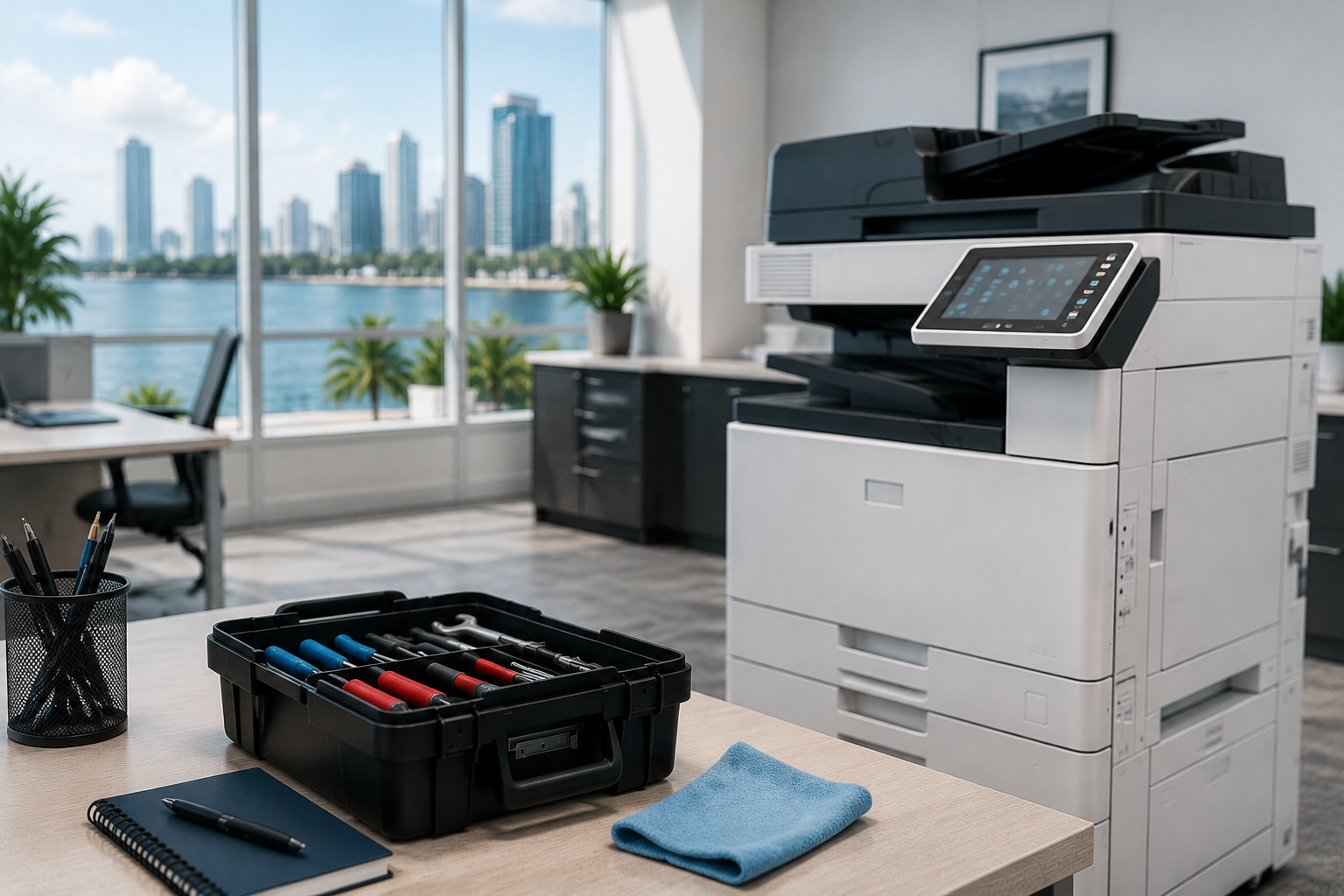
Your office copier is the central hub of your document workflow. When it starts to fail, it can bring productivity to a grinding halt, cause frustration, and lead to missed deadlines. Recognizing the early warning signs of a failing copier is crucial for minimizing downtime and avoiding costly, major breakdowns. Addressing issues immediately often means the difference between a simple repair and an expensive replacement.
5 SIGNS YOUR COPIER NEEDS PROFESSIONAL ATTENTION
Waiting until a machine completely stops working often results in higher repair costs and a longer period of disruption. Here are the five key indicators that your office copier is due for maintenance or repair:
1. Decline in Print Quality
One of the most immediate and visible signs of a copier problem is a drop in the quality of your documents.
- Faint or Streaky Output: This is often a sign of low toner, but if changing the cartridge doesn't fix it, the issue might be a problem with the drum unit or the developer unit.
- Repetitive Spots or Lines: If you see the same mark reappearing at regular intervals on every page, it usually indicates damage to the photoreceptor drum or the transfer belt.
- Blurred or Smudged Text: This can be caused by a dirty fuser assembly, which isn't applying enough heat to permanently bond the toner to the paper.
2. Unusual Noises and Smells
A healthy copier should operate smoothly. Any new or strange sounds or odors are red flags.
- Grinding or Clicking Sounds: These noises often point to worn-out gears, rollers, or mechanical components inside the copier that are failing to move correctly. Continuing to use the machine could cause significant internal damage.
- Burning Smell: A metallic or burning smell is a serious issue, often indicating overheating due to friction or a problem with the fuser unit—the part that heats up to melt the toner onto the paper. Turn the machine off immediately if you detect this.
3. Frequent and Excessive Paper Jams
While the occasional paper jam is normal, if jams become a daily or hourly occurrence, your copier has a mechanical problem that requires attention.
- Worn-Out Feed Rollers: The rollers responsible for gripping and feeding the paper into the machine naturally wear down over time. Worn rollers struggle to grip the paper, leading to misfeeds and jams.
- Issues with Paper Trays: Sometimes the paper isn't loaded correctly, or the trays themselves are damaged or misaligned. Consistent jamming in the same location suggests a specific hardware failure in that part of the paper path.
4. Slow Performance and Lag
If your copier is taking significantly longer to warm up or print, it may be struggling with an internal component.
- Delayed Printing/Copying: A sudden drop in speed or lag before a job starts could be a sign of a failing hard drive (if the copier stores print jobs) or problems with the connectivity/network card.
- Constant Restarts or Error Messages: If the machine frequently displays generic error codes, reboots itself unexpectedly, or enters a cyc
5. Your Copier is Old (5+ Years)
Even without specific error codes, the age of your machine itself is a major factor in repair needs.
- Increased Parts Failure: Parts like the drum, fuser, and rollers have a finite lifespan. Once a copier is past its five-year mark, parts start failing more frequently, making maintenance more expensive and time-consuming.
- Lack of Support: Older models may reach their end-of-life (EOL) support date. This means manufacturers may stop producing spare parts or software updates, making timely and affordable repairs impossible.
TAKE ACTION NOW
Ignoring these signs will only lead to greater operational disruptions and higher emergency costs down the road. If you recognize any of these five issues, the best course of action is to contact a professional copier service technician immediately. They can diagnose the root cause and advise whether a repair or an upgrade is the most cost-effective long-term solution for your business.
You might also like