
The True Cost per Copy
September 25, 2025
The cost of printing a single page can vary widely depending on the printer type, paper, and hidden expenses such as labor, maintenance, and energy. On average, desktop printers can range from 4 to 20 cents per black-and-white page and 10 to 60 cents or more for color.
- Laser printers generally deliver lower costs per page, averaging 5–8 cents for black-and-white and 12–15 cents for color.
- Inkjet printers are typically more expensive, averaging 8–20 cents per black-and-white page, with color printing often much higher — especially if the page includes heavy graphics, which can drive costs up to 60 cents per page or more.
It’s also important to note that these figures only represent the cost of consumables (ink, toner, and paper). The total cost of printing can be significantly higher when you include printer maintenance, IT support, software, and waste from unneeded or misprinted pages.
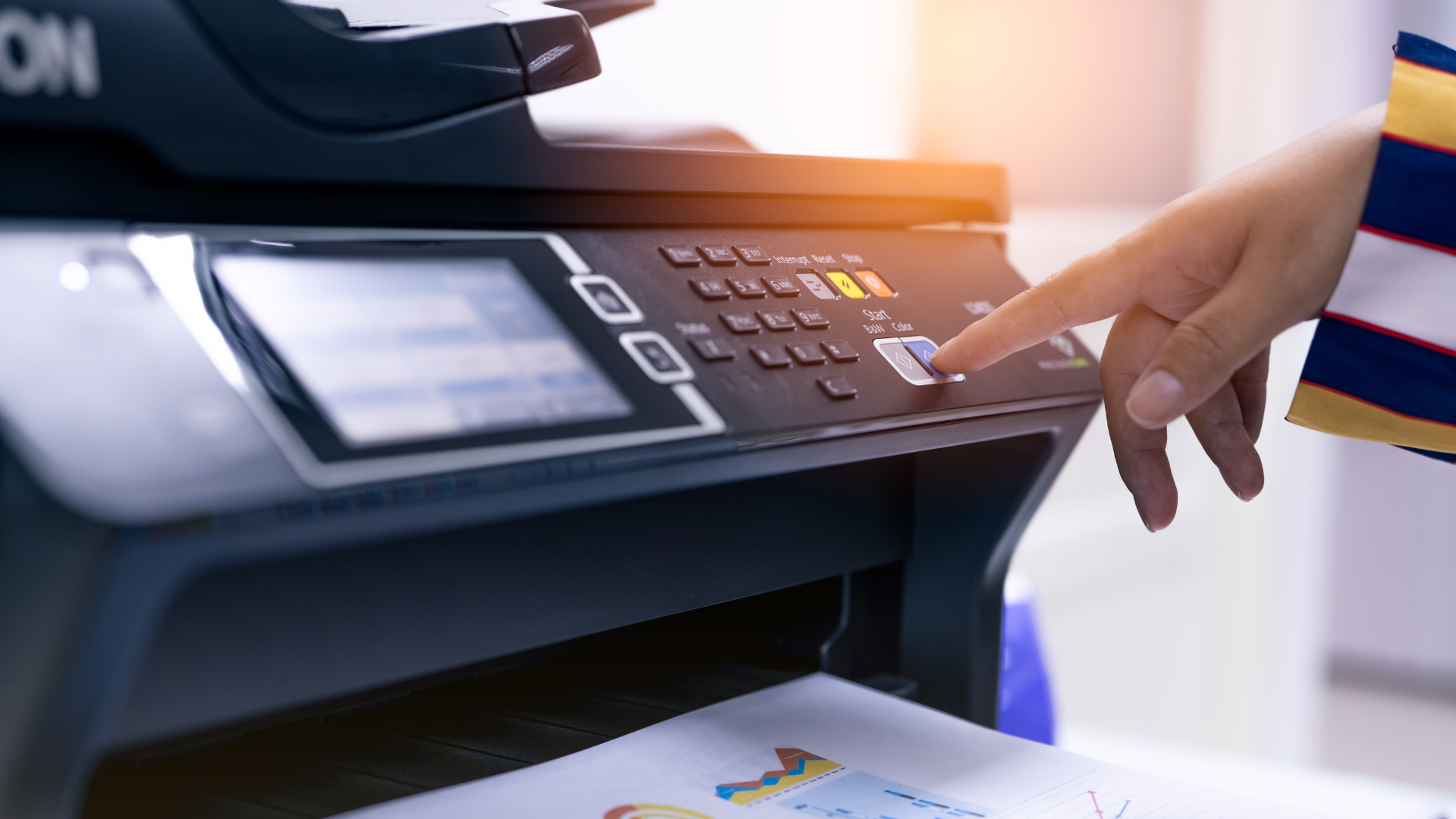
Breakdown of Costs per Page
Inkjet vs. Toner
- Inkjet printers: Around 20 cents per black-and-white page and much higher for color. Pages with dense graphics or images can push the cost to 60 cents or more.
- Laser printers (toner): Typically 5–8 cents per black-and-white page and 12–15 cents for color, depending on the model and type of content.
Paper Costs
- Standard copy paper: $2–$8 per ream (500 sheets), depending on brand and quality.
- Specialty papers: Glossy, card stock, or textured paper can significantly increase the cost per page.
Printer Model & Age
- Lower-cost printers: Usually come with higher ongoing expenses for ink or toner.
- Higher-end printers: While more expensive upfront, they’re designed for efficiency and high-volume use, which typically lowers the cost per page over time.
You might also like
Office copier jamming again? Get practical copier repair and maintenance tips from Florida Copiers, serving the Tampa Bay Area. Call 813-915-9200.
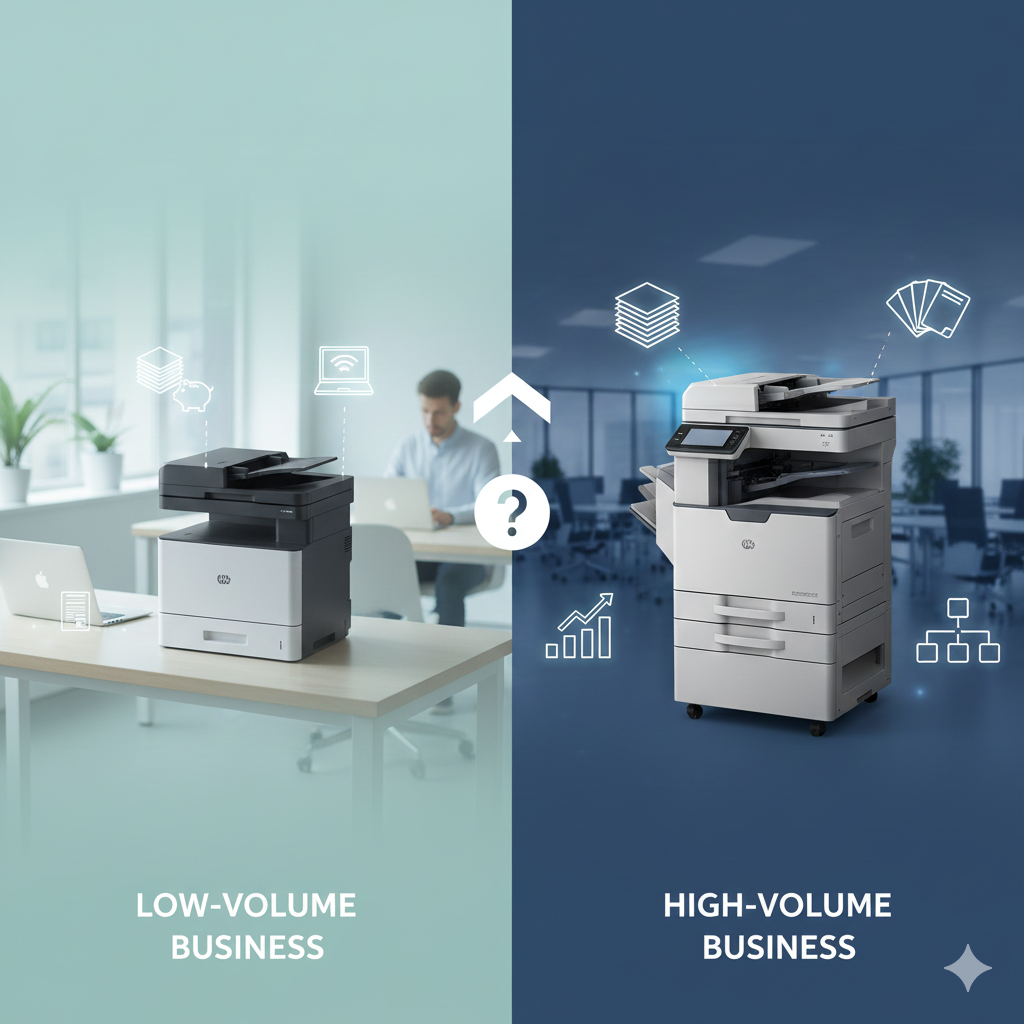
Don't overspend on your office equipment. Use this step-by-step guide to determine the right copier based on volume, speed, features, and your total budget.
Don't let a failing copier slow your business. Learn the 5 unmistakable signs—from strange noises to poor output—that signal it's time for professional repair or replacement.